From Git Confusion to Clean History: My Journey to the Dataminds Connect Stage
From Git Confusion to Clean History: My Journey to the Dataminds Connect Conference
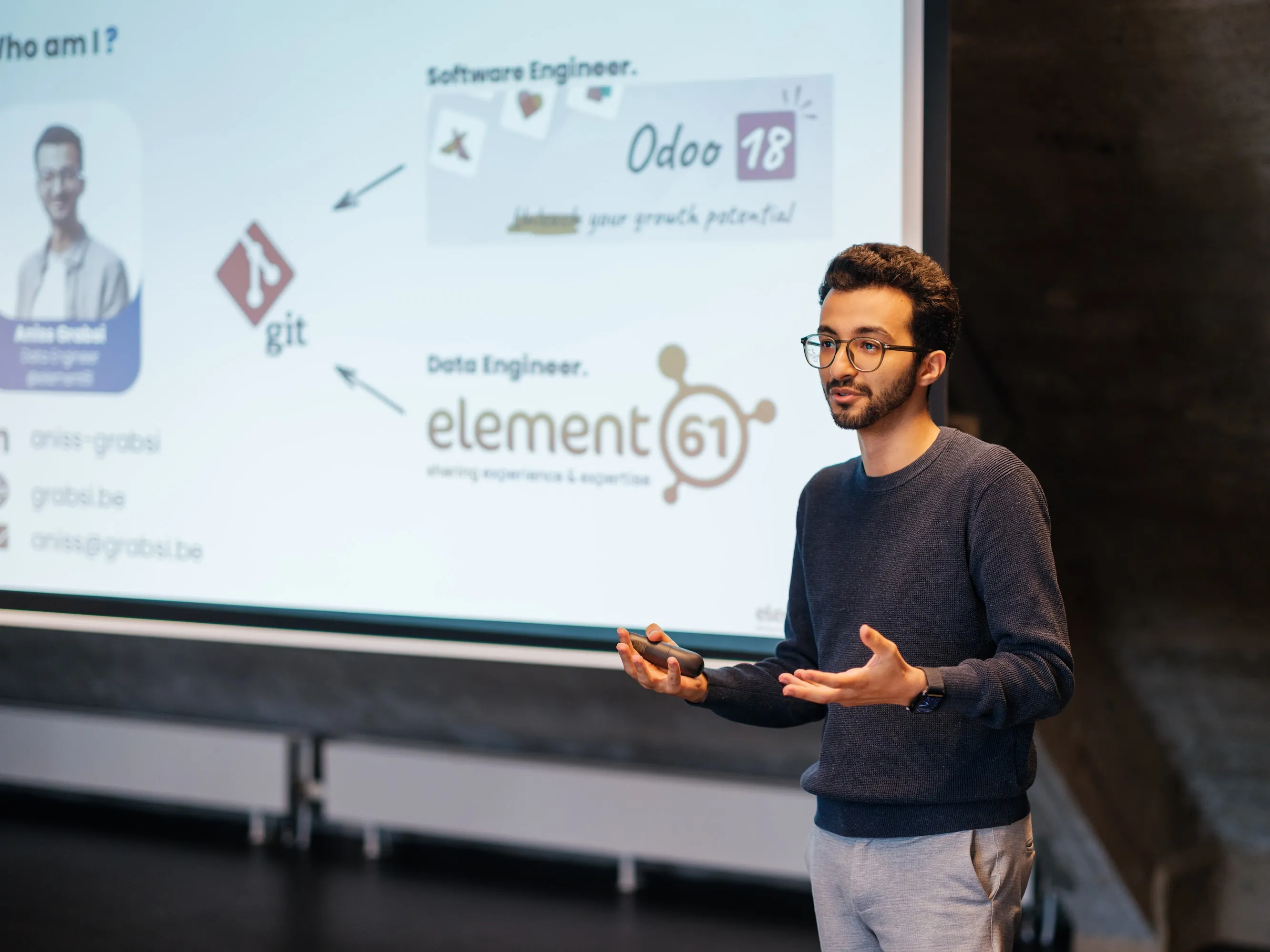
A few weeks ago, I had the great opportunity to speak at Dataminds Connect 2025. I talked about a tool that is both powerful and sometimes scary: Git. For many people in the data world, just hearing “version control” can cause stress. It brings up images of difficult commands and that one error message:
Conflict (content): Merge conflict in [file].sql
If you have felt this way, you are not the only one. My session, “From Git Confusion to Clean History,” was created to make Git simpler for data professionals. I wanted to close the gap between the clean workflows in software engineering and the sometimes chaotic reality of data projects. This post is the story behind my talk: the “why”, the “how” and a recap of the key ideas that can help your team.
The “Why” - When the software meets the data
Before I was a Data Engineer at element61, I was a Software Engineer. In that job, a clean Git history was not just a nice thing to have; it was a professional standard. It was how we built, debugged, and worked together on complex software.
When I moved to the data world, I found a different culture. The focus was on data, pipelines, and insights. Version control was often not a priority. This led to a messy, tangled Git log that was very hard to read.
I remember a time when things got stuck. Multiple team members were working directly on the main branch. “HERETICS !” would scream anyone used to developing software. The obvious thing happened,a huge conflict appeared, and everyone was blocked. We were all anxious, wondering if someone’s work would be lost and they would have to start over. That moment made it clear we needed a better way to work. That’s how I got the idea for my talk.
Poor git practices and a messy history is not just about looks. It has real consequences. It makes debugging a nightmare and code reviews difficult. For new team members, it makes learning the project very frustrating. My goal was to bring the clarity I knew from software engineering to the data world.
The “How” - Structuring the Talk
Putting the presentation together was a challenge. I knew I had to start with the basics: the Working Directory, the Staging Area, and the Repository. This helps build a solid foundation.
I used a simple comparison to make this clear: we start with a messy desk (our work-in-progress files), craft a clean new chapter from it (our commit), and then publish that chapter to a book for others to see (our repository). The most important part was the live demo. It is powerful to see the commands in action and watch a messy history become a clean, simple story.
The most challenging part of preparing this talk was deciding what to include. It’s easy to get excited and want to share every cool Git trick you know. But I had to be careful not to overload the session with too much new information. The real challenge was to create a clear story that was easy to follow in under an hour. This meant I had to leave some interesting topics out to avoid confusion.
The “What” - The Core Takeaways for a Cleaner History
Here are the three main ideas from my talk. I believe they can make the biggest difference for any data team.
Takeaway 1: Prefer git rebase for a Linear History
The git merge command is often the first thing people learn, but it can create a messy history. git rebase, on the other hand, helps you create a clean, linear history.
Think of it this way:
- Merge shows: When did the work get incorporated?
- Rebase shows: What work was done?
Rebase makes your project’s log read like a clear story. But this leads to the golden rule: “Never rebase a shared branch.” Rebasing rewrites history. This is fine for your own private branch, but it can cause big problems if you do it on a branch your teammates are also using.
Takeaway 2: A Clean History is a Form of Communication
A clean Git log is not just about looking nice; it’s a way for a team to communicate. When your history is linear and your commits are small and focused, you get several benefits:
- Easier Debugging: You can find exactly when a bug was introduced.
- Safer Reverts: You can easily undo a feature without causing problems.
- Faster Onboarding: New team members can read the project’s history to understand how it developed.
Takeaway 3: Choose a Branching Strategy and Stick to It
Your team can use a formal strategy like GitFlow or a simpler one like ReleaseFlow. The most important thing is to be consistent. A clear branching strategy helps everyone on the team understand the workflow. It removes confusion and helps people work together more smoothly.
Lessons Learned for Next Time
Presenting at Dataminds Connect was a great experience, and I learned a few lessons. Here are two things I would do differently next time.
- Set the Right Expectations: I marked the session as introductory. But my excitement about topics like interactive rebasing made the session move quickly into advanced topics. Next time, I will label the session as “Intermediate” to better match the content.
- Make the Demo More Realistic: For the demo, I used simple, “fake” commits to make the steps clear. This worked, but I received feedback that a real-world example would be better. I agree. We all understand concepts better with a real example instead of a “lab-controlled” one. For my next talk, I plan to use a real (but anonymous) project to show how these techniques work in practice.
Conclusion
My journey with Git has been a great experience, and I hope sharing it helps you too. Git doesn’t have to be a source of fear. With a few key principles and a focus on clear communication, our data teams can build better, more collaborative projects.
Thank you to everyone who came to my session and to element61 and Dataminds organization for the opportunity.
PS: You can find the slides from my presentation here.